
Posted At: Jun 22, 2026 - 68 Views
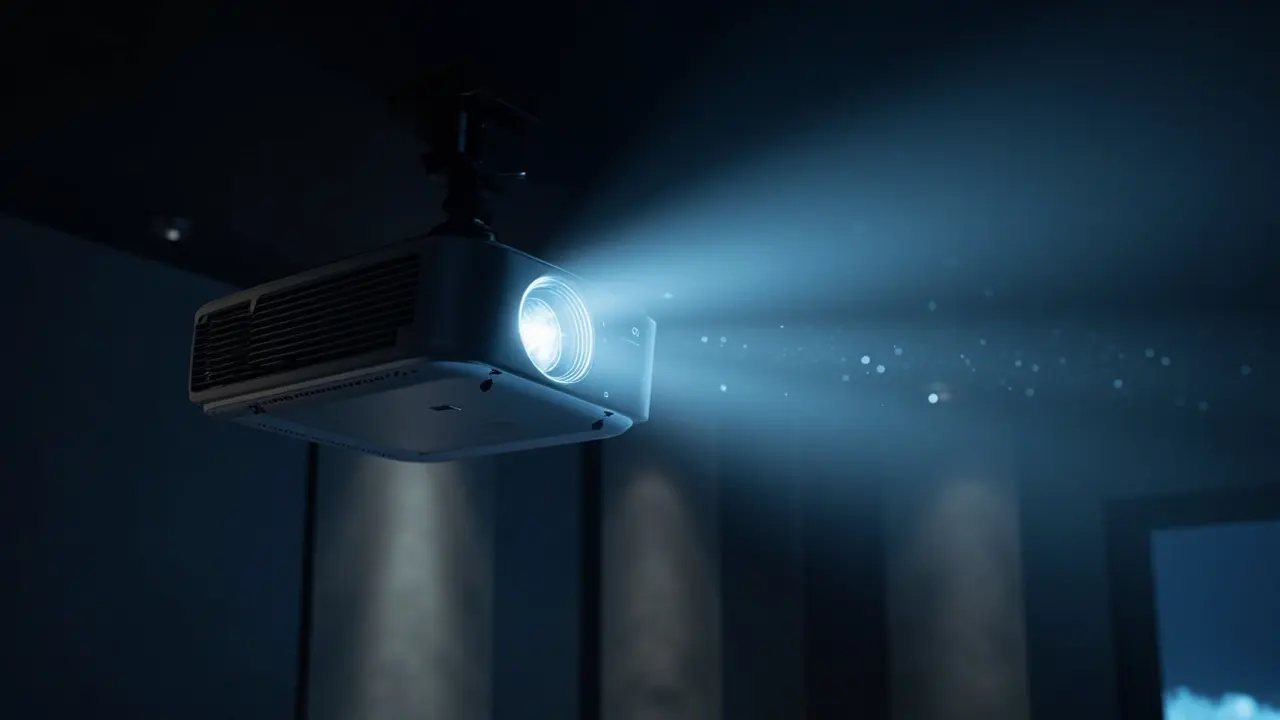
Auto-Focus, Keystone & Obstacle Avoidance for OEM Projectors
Auto-focus, auto-keystone, obstacle avoidance, and screen fit have become table-stakes features for modern consumer projectors — consumers expect "set and forget" simplicity. For B2B buyers, understanding the technologies (TOF, camera-based, AI-powered) is essential for OEM projector specifications. This guide explains the technologies, costs, and OEM specification best practices.

Why These Features Matter
For consumer projectors, manual setup is a major friction point:
- Manual focus: hard to get sharp, especially in low light
- Manual keystone: distortion if projector is tilted
- Obstacle avoidance: image blocked by objects (wall art, plants)
- Screen fit: image extends beyond screen
Auto-Focus Technologies

Buyers looking for a turnkey smart OS reference should evaluate the GP95-GTV 400 ANSI Full-Sealed Smart Projector with Google TV Built-In. Google TV is licensed and pre-integrated, eliminating months of middleware work for ODM projects.
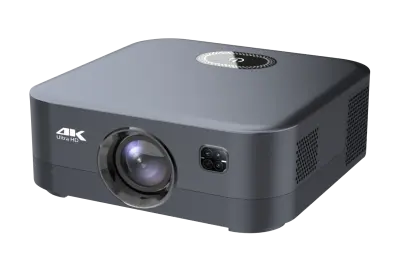
Distributors evaluating the B2B projector market can reference our GP94B 500ANSI Smart Projector for Hotels with Android 9—a production-validated platform covering 500 ANSI · Hotel-grade Android 9, suitable as an OEM/ODM starting point.
Three main approaches to auto-focus:
1. TOF (Time-of-Flight) Laser Focus
- Infrared laser measures distance to screen
- Computes optimal focus position
- Fast (< 1 second)
- Works in any lighting condition
- Most common in modern consumer projectors
2. Camera-Based Focus
- Built-in camera captures screen image
- Image processing analyzes focus sharpness
- Slower (1–3 seconds)
- Affected by lighting conditions
- Older technology, less common now
3. Contrast-Based Focus
- Image processing analyzes contrast at different focus positions
- Searches for maximum contrast
- Slowest (3–10 seconds)
- Most accurate
- Used as fallback in some designs
Auto-Keystone Correction
Auto-keystone corrects for projector tilt:
How It Works
- Built-in accelerometer detects tilt
- Camera or TOF measures screen position
- Software warps image to rectangular shape
- Typically ±30–40° keystone correction
Limitations
- Vertical keystone is standard
- Horizontal keystone less common
- Corner correction (4-corner keystone) is premium
- Image quality degrades with extreme correction
Technologies
- Accelerometer + TOF: standard for modern projectors
- Camera-based: more accurate, slower
- AI-based: best user experience, premium
Obstacle Avoidance
Obstacle avoidance detects objects in the projection area and shifts the image:
How It Works
- Camera scans the projection area
- AI identifies obstacles (wall art, light switches, plants, outlets)
- Image is automatically shifted to avoid obstacles
- Works in real-time as objects appear/disappear
Implementation
- Camera: built-in front-facing camera
- AI model: trained on common household objects
- Firmware: real-time image shifting
- Optional: automatic screen resizing
Limitations
- Lighting affects camera quality
- AI model may misidentify objects
- Shifting image may reduce usable area
Screen Fit / Auto Screen Alignment
Screen fit automatically aligns the image to a screen:
How It Works
- Camera detects screen borders
- Image is automatically resized and aligned
- Works with rectangular screens (16:9, 16:10, 4:3)
- Can correct for off-center placement
Implementation
- Camera + AI: detects screen borders
- TOF + image analysis: detects screen depth
- Software: image warping and alignment
Limitations
- Works best with white rectangular screens
- Performance varies with screen material
- Lighting affects detection accuracy
The Camera Module
Most smart projectors include a built-in camera for:
- Auto-focus (image analysis)
- Auto-keystone (image analysis)
- Obstacle avoidance (object detection)
- Screen fit (border detection)
- AI gesture control (premium)
Camera Specifications
- Resolution: 720p minimum, 1080p preferred
- Frame rate: 30 fps minimum, 60 fps preferred
- Field of view: 60–90°
- Low-light performance: critical
Privacy Concerns
- Camera in projector raises privacy concerns
- LED indicator when camera is active
- Physical privacy cover (some designs)
- Clear privacy policy disclosure
TOF Sensor Specifications
For TOF-based auto-focus:
| Spec | Value |
|---|---|
| Range | 0.3–10 meters |
| Accuracy | ±1% of distance |
| Update rate | 30 Hz minimum |
| Field of view | Narrow (point measurement) |
| Wavelength | 850 nm or 940 nm (IR) |
- STMicroelectronics (VL series)
- Texas Instruments (OPT series)
- Sony (DepthSense)
AI for Smart Features
Modern projectors use AI for:
- Object recognition (obstacle avoidance)
- Scene detection (auto brightness/color)
- Voice + gesture integration
- Predictive focus (knows where image will be)
- Custom AI model: $20,000–$100,000
- Use pre-trained model: $2,000–$10,000
- Inference on-device: $2–$5 per unit BOM (DSP chip)
- Cloud inference: ongoing API costs
BOM Cost for Auto-Features
| Feature | BOM Cost |
|---|---|
| TOF sensor | $2–$6 per unit |
| Built-in camera (720p) | $3–$6 per unit |
| Built-in camera (1080p) | $5–$10 per unit |
| DSP for AI processing | $3–$8 per unit |
| AI model development | $5,000–$30,000 one-time |
| Firmware development | $5,000–$20,000 one-time |
| Total auto-feature BOM | $8–$25 per unit + $10,000–$50,000 one-time |
Testing Auto-Features
Sample testing for auto-features:
| Test | Method | Acceptance Criteria |
|---|---|---|
| Auto-focus | Move projector, observe focus | Focus in < 2 seconds |
| Auto-keystone | Tilt projector 30°, observe correction | Image rectangular |
| Obstacle avoidance | Place object in image, observe shift | Object avoided |
| Screen fit | Project on screen, observe alignment | Image fits screen |
| Edge cases | Low light, complex obstacles | Graceful fallback |
Common OEM Mistakes
Five pitfalls:
- No TOF sensor — slow camera-based focus
- Auto-keystone degrades image — visible distortion
- Obstacle avoidance too sensitive — false positives
- Screen fit fails on non-white walls — common consumer complaint
- No privacy indicator for camera — privacy violation
The Set-and-Forget Standard
Premium consumer projectors now ship with full "set-and-forget":
- Power on
- Projector finds screen (or wall) via camera + TOF
- Auto-focus, auto-keystone, auto-obstacle avoidance
- Image ready to view in < 30 seconds
Privacy Considerations
The camera and TOF sensor raise privacy concerns:
- Camera indicator LED when active
- Camera disable button (hardware or software)
- Privacy policy disclosure
- Data handling transparency
- Compliance with GDPR / CCPA
What We Recommend for Auto-Features OEM
- TOF laser focus as standard
- Built-in camera for keystone, obstacle avoidance, screen fit
- AI model from factory (pre-trained)
- Camera indicator LED + privacy controls
- Multi-scenario testing in sample evaluation
- Firmware updates for AI model improvements over time
Conclusion
Auto-focus, auto-keystone, obstacle avoidance, and screen fit have become table-stakes features for modern consumer projectors. For OEM buyers, the right combination of TOF + camera + AI firmware delivers the "set and forget" experience consumers expect. Plan for $8–$25 BOM adder plus $10,000–$50,000 one-time engineering.
💼 Need auto-features for your projector OEM?
Request a Free Quote | View Product Catalog
We integrate TOF + camera + AI auto-features in our projector catalog. Engineering team will recommend the right auto-feature configuration within 24 hours.
