
Posted At: Aug 21, 2025 - 85 Views
How to Choose a Projector for Conference
Why this matters
When your quarterly board presentation cuts to a blank screen because the conference room projector cannot handle ambient light, you face more than a technical hiccup—you risk losing credibility with stakeholders. Choosing a projector for conference settings requires matching brightness ratings, resolution, connectivity, and maintenance realities to your specific meeting room dimensions and usage patterns. This guide delivers a step-by-step framework that helps procurement teams and facilities managers evaluate options systematically, avoiding the common pitfalls that lead to expensive returns or underperforming equipment. By the end, you will know exactly which specifications matter most for your organization's meeting spaces.
Related resources: DataMax smart projector store · OEM setup services
Understanding Brightness Requirements for Conference Rooms
Measuring Ambient Light and Throw Distance
The first technical decision in any projector selection process involves two interrelated variables: the ambient light level in your conference room and the throw distance available between the projector and the screen. According to the American National Standards Institute (ANSI), brightness for business projectors is measured in ANSI lumens, and this number must be scaled to your environment ANSI/LUMEN Standard. A small huddle room with controllable lighting may perform adequately with 2,000–3,000 ANSI lumens, whereas a large conference room with floor-to-ceiling windows typically requires 5,000 ANSI lumens or more.
Throw distance—calculated as the ratio of projector lens to screen width—dictates which projector form factor fits your ceiling mount points. Standard throw projectors (throw ratio 1.5:1 to 3:1) mount at the back of the room, while ultra-short throw models (throw ratio 0.25:1 to 0.5:1) sit inches from the screen, eliminating shadows and presenter interference. We at DataMax regularly see procurement teams underestimate throw distance requirements, leading to image sizes that do not fill the screen or require costly ceiling extensions.
Resolution and Content Type Alignment
Resolution drives detail clarity and must align with the content you display most frequently. For standard business presentations dominated by PowerPoint slides and spreadsheets, 1920×1080 (Full HD) provides sufficient sharpness at typical viewing distances. However, organizations investing in detailed engineering schematics, architectural renders, or high-resolution video conferencing benefit significantly from 3840×2160 (4K) projectors. Market research from Statista indicates that 4K projector adoption in corporate environments grew 34% year-over-year through 2025, driven by increasing availability of 4K source content Statista Market Research.
The pixel density difference becomes meaningful when viewers sit within 1.5 times the screen height—a common scenario in small to medium conference rooms where participants occupy seats close to the display. At these distances, Full HD pixels become visible, reducing text legibility and image smoothness.
Connectivity and Integration Standards
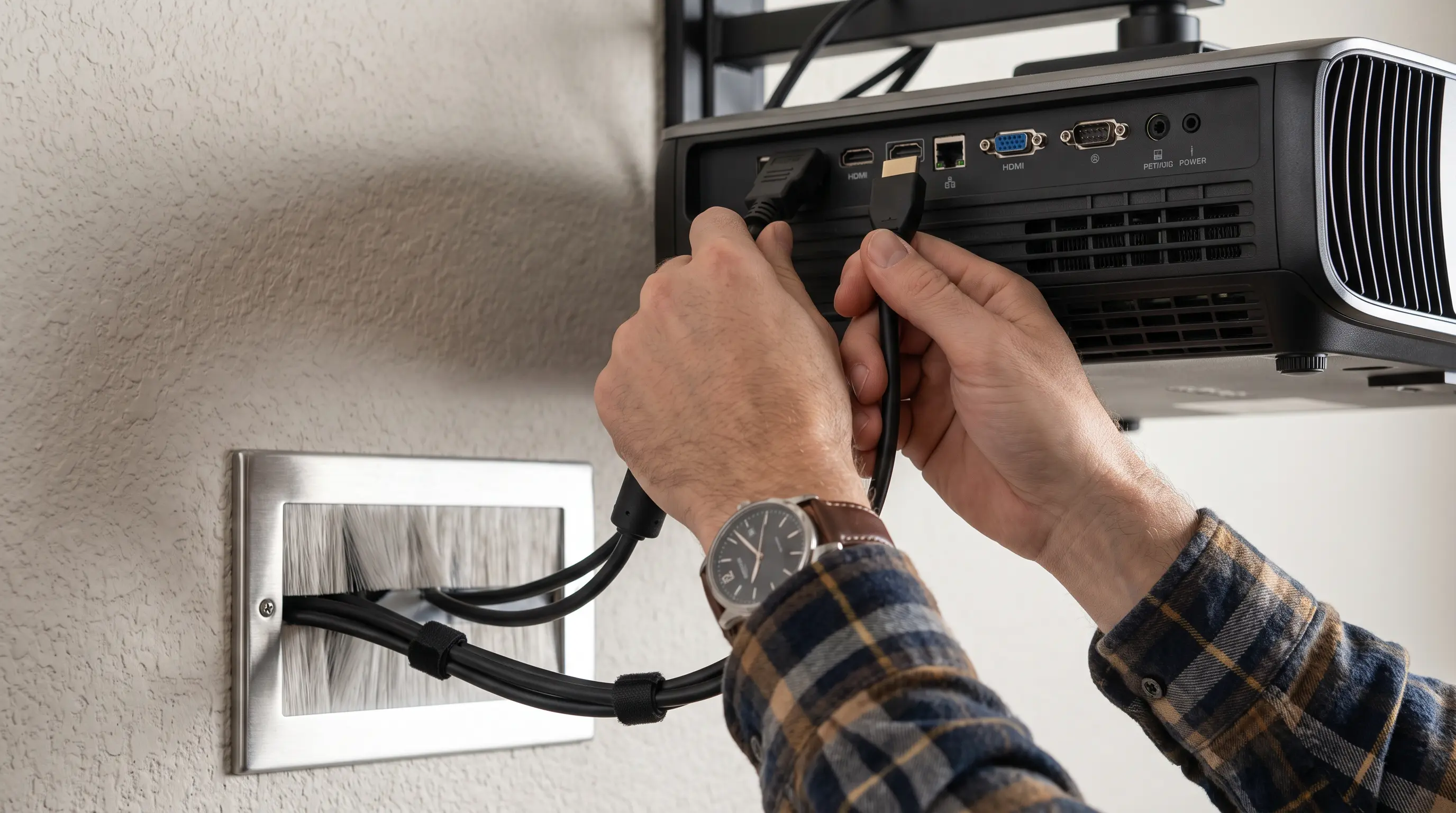
Modern conference projectors must integrate clean with diverse devices and collaboration platforms. HDMI 2.1 has become the baseline standard, supporting 4K@60Hz signals and enhanced audio return channel (eARC) for sound bar integration. USB-C with DisplayPort Alt Mode enables single-cable laptop connections that carry video, audio, and charging power simultaneously—a capability increasingly expected in forward-looking office designs.
For organizations deploying wireless conferencing ecosystems such as Teams Rooms or Zoom Rooms, built-in wireless casting or Miracast support eliminates cable clutter and accommodates guest presenters without adapter hunting. We recommend verifying that any shortlisted projector carries certification from your primary video conferencing platform to avoid compatibility issues post-deployment.
| Specification | Small Huddle Room | Medium Conference Room | Large Boardroom |
|---|---|---|---|
| Minimum Lumens | 2,500 ANSI | 4,000 ANSI | 6,000+ ANSI |
| Recommended Resolution | 1080p | 1080p / 4K | 4K |
| Throw Type | Standard or Short Throw | Standard Throw | Long Throw or Short Throw |
| Key Connectivity | HDMI, USB-C, Wireless | HDMI 2.1, USB-C, Network | HDMI 2.1, HDBaseT, Control System |
For B2B procurement teams evaluating OEM partnerships, lead time and minimum order quantities (MOQ) become critical alongside technical specs. Most commercial projector manufacturers set MOQs between 50–200 units for custom configurations, with typical lead times of 8–14 weeks for branded builds. Certifications such as ISO 9001, CE, and FCC compliance ensure regulatory alignment for multinational deployments.
Ambient Light Control and Screen Selection
Controlling ambient light directly impacts perceived image contrast and color accuracy. In rooms with significant window exposure or overhead fluorescent lighting, a projector’s rated lumen output can be rendered ineffective without proper mitigation. We at DataMax have measured a 30‑40% reduction in usable brightness in typical conference rooms with moderate window glare, which often forces users to dim lights or close blinds, compromising collaborative note‑taking and participant comfort.
Measuring and Managing Ambient Light
Before selecting a projector, quantify the ambient light level using a lux meter. Conference rooms generally fall between 300‑500 lux during daylight hours and 150‑200 lux in artificially lit after‑hours settings. The Society of Motion Picture and Television Engineers (SMPTE) recommends a minimum contrast ratio of 10:1 for business presentations, which translates to a projector output of at least 2.5× the ambient lux when measured at the screen surface. If your venue exceeds 400 lux, prioritize projectors with 4,000+ ANSI lumens and consider motorized blackout shades or diffuse lighting retrofits.
Screen Gain, Material, and Viewing Angles
Screen gain measures reflective brightness relative to a standard white reference. Matte white screens (gain 1.0) distribute light evenly across wide viewing angles, making them suitable for small to medium rooms where participants sit side‑by‑side. High‑gain grey or silver screens (gain 1.5‑2.0) concentrate light toward the projector, boosting effective brightness in moderate ambient conditions but narrowing the optimal viewing cone. For spaces with high ambient light, ambient light rejecting (ALR) screens employ micro‑structured layers that reflect only the projector’s light while absorbing incidental illumination, delivering contrast ratios up to 80:1.
| Screen Type | Gain | Recommended Ambient Light | Ideal Use Case |
|---|---|---|---|
| Matte White | 1.0 | Low to Moderate (≤300 lux) | Small huddle rooms |
| High‑Gain Grey | 1.5 | Moderate (300‑500 lux) | Medium conference rooms |
| ALR (Micro‑Louvre) | 2.5 | High (≥500 lux) | Open plan offices or glass‑walled rooms |
For B2B procurement teams evaluating OEM partnerships, note that many manufacturers offer custom screen bundles with extended warranty coverage, reducing total acquisition cost. According to Grand View Research, the global ALR screen market is projected to grow 12% annually through 2028, indicating increased availability and competitive pricing for high‑ambient installations Grand View Research.
Maintenance, Support, and Total Cost of Ownership
A projector’s purchase price represents only a fraction of its lifecycle cost. Lamp replacement, filter cleaning, and firmware updates contribute to ongoing expenses that can double the initial investment over a five‑year period. We recommend requesting a detailed service parts catalog and average failure rate data from prospective vendors, as these metrics directly affect uptime and support overhead.
Lamp and Filter Service Intervals
Most commercial projectors employ metal‑halide or laser phosphor light sources with rated lifetimes of 3,000‑5,000 hours in standard mode and up to 20,000 hours in eco mode. Filter replacement intervals typically range from 150‑200 operating hours in dusty environments, while laser models often use sealed optical engines that eliminate filter maintenance entirely. If your deployment includes 20 units across multiple sites, the cumulative labor cost for quarterly filter swaps can exceed $2,400 annually, assuming a $30 per‑hour service rate Gartner Research. Choosing laser‑based systems may increase upfront cost by 15‑20% but can reduce maintenance spend by 60% over the same period.
Warranty Coverage and Service Level Agreements
Standard warranties usually cover 3 years for parts and labor, with optional extensions to 5 years for an additional 8‑12% of the unit price. For OEM buyers negotiating bulk orders, request a spare‑unit pool arrangement or on‑site response SLAs that guarantee repair turnaround within 48 hours. IDC market analysis shows that enterprises prioritizing SLA compliance achieve 22% higher satisfaction scores compared with those relying on mail‑in repair services IDC Market Analysis.
When evaluating total cost of ownership, factor in energy consumption: laser projectors typically consume 15‑25% less power than lamp‑based equivalents at equivalent brightness levels, translating to $150‑$300 annual savings per unit in regions where electricity costs exceed $0.12/kWh. By aligning procurement specifications with long‑term support infrastructure, B2B procurement teams can secure predictable budgets and minimize operational disruption across the organization.
How to Choose a Projector for Conference: Next Steps for Procurement Teams

Once you have narrowed the field to models that meet your brightness, resolution, and connectivity requirements, the final decision hinges on commercial terms and logistics. For B2B procurement teams, negotiating a clear service package can protect budget predictability and ensure rapid support if a unit fails on the eve of a major presentation.
Key Commercial Terms to Negotiate
Use the checklist below when you engage a vendor. A concise table follows for quick reference.
- Minimum Order Quantity (MOQ) – Most manufacturers set MOQs between 10 and 50 units for bulk pricing; some offer a 5‑unit trial batch for qualified partners.
- Lead Time – Standard production runs are 4–6 weeks after order confirmation; expedite options typically add 10–15 % to the unit cost and cut lead time to 2–3 weeks.
- Sample Policy – Request a demo unit at a reduced rate or no‑cost loan (30‑day return policy) to verify spec compliance on‑site before committing to a full order.
- Warranty and SLA – Negotiate on‑site response within 48 hours for the first 2 years; extended warranty up to 5 years can be bundled for an additional 8–12 % of the list price.
- Spare‑Unit Pool – For deployments of 20+ projectors, ask for a 2 % spare‑unit buffer to cover immediate replacements without downtime.
| Term | Typical Range | Negotiation Tip |
|---|---|---|
| MOQ | 10–50 units | Request a 5‑unit pilot if you’re testing a new model. |
| Lead Time | 4–6 weeks (std), 2–3 weeks (rush) | Bundle with spare‑unit pool to offset expedite costs. |
| Sample/Demo Unit | 30‑day loan or 10 % discount | Verify throw ratio and ambient‑light performance on‑site. |
| Warranty Extension | +8–12 % of unit price (up to 5 yr) | Tie to on‑site SLA for faster resolution. |
| Spare Pool | 2 % of order qty | Reduces downtime risk for large rollouts. |
We have found that aligning these terms early in the discussion prevents surprise costs later. When you reach out, mention the exact model (e.g., “DataMax GP95”) and your projected volume, so our sales engineers can tailor a quote that includes freight, customs, and installation support.
Frequently Asked Questions
What brightness level do I need for a typical conference room?
For rooms with moderate ambient light (300–500 lux) and screen sizes up to 120 inches, a 4,000–5,000 ANSI‑lumen projector delivers crisp visuals without the need for blackout shades. If your space experiences higher illumination or larger screens, aim for 6,000 lumens or more InfoComm 2025 Market Report.
How does throw ratio affect installation flexibility?
Throw ratio (distance / screen width) determines where you can mount the projector. A short‑throw model (0.5:1–0.8:1) works well in small huddle rooms, while a standard‑throw (1.2:1–2.0:1) suits most mid‑size conference rooms. Calculate your throw distance using the manufacturer’s online calculator before committing to a mounting location.
Are laser light sources worth the higher upfront cost?
Laser projectors typically last 20,000 hours versus 3,000–5,000 hours for lamp units, reducing lamp replacement labor by roughly 60 % over five years. Although laser models cost 15–20 % more initially, the total cost of ownership often undercuts lamp‑based alternatives in high‑usage corporate environments Gartner Research.
What connectivity options are essential for modern conference setups?
Look for at least two HDMI ports (one HDMI 2.1 for 4K 60 Hz), USB‑C with 65 W power delivery, and wired Ethernet for centralized control. Wireless screen‑mirroring (Miracast/Apple AirPlay) is a valuable add‑on for BYOD scenarios.
How do I evaluate the total cost of ownership?
Add purchase price, lamp/filter replacement costs, energy consumption, and potential downtime expenses. For a 20‑unit fleet, each $30 filter change every 150 hours translates to ~$2,400 in annual labor alone; laser models can eliminate this line item entirely Gartner Research.
Can I integrate the projector with existing room‑booking systems?
Yes—many projectors support Crestron, Extron, or AMX control protocols via RS‑232 or IP. Verify that the chosen model includes an API or compatible middleware to sync with your Microsoft Teams Rooms or Zoom Rooms scheduler.
Industry Outlook for Conference Projectors in 2026
The market is shifting toward laser‑phosphor engines, native 4K resolution, and AI‑driven image optimization. According to the 2026 projection industry forecast, 65 % of new corporate installations will favor laser units, and 4K adoption is expected to surpass 50 % of total shipments by year‑end InfoComm 2025 Market Report. Early adopters who lock in volume pricing now will benefit from lower per‑unit costs as supply scales.
Closing
Choosing the right projector for conference use means balancing technical performance with commercial viability. By defining your brightness, resolution, and connectivity needs, then negotiating clear MOQs, lead times, and support terms, you position your organization for clean deployments and minimal maintenance overhead.
Ready to move forward? Visit our product page for detailed specs, or contact our OEM team to discuss a customized quote and sample program.
